Features

Everything your homelab needs, in one workspace.

Rackpad isn't a single tool bolted onto another. Inventory, addressing, monitoring, compute and documentation share one data model — so a change in one place shows up everywhere it matters.

01 — Physical inventory

Know exactly what's in every rack unit.

Build labs, rooms and racks, then drop devices into dense elevations with switch-panel port mapping. Every device carries its type, template, ports, MACs, images and linked runbooks.
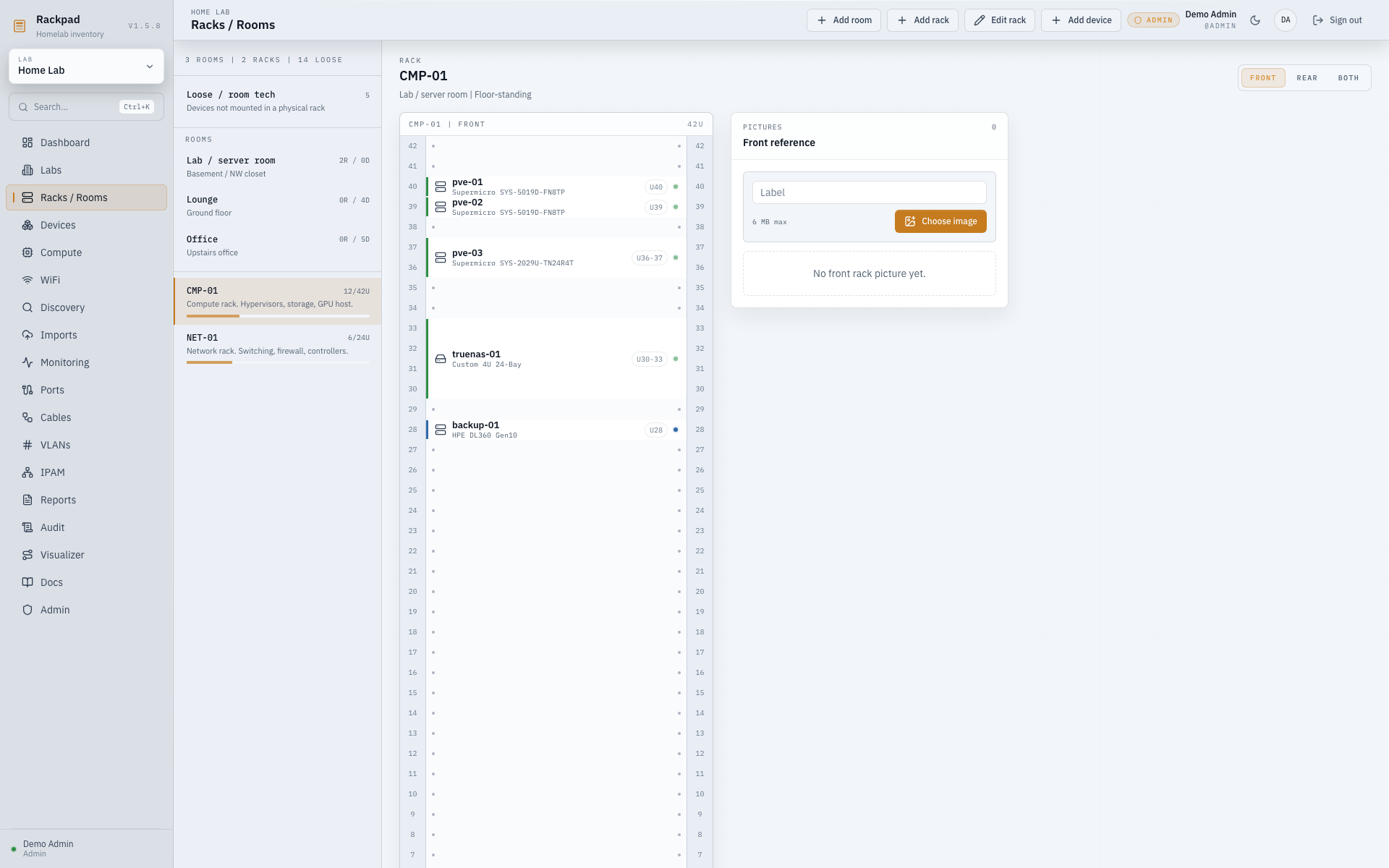
  • Front / rear / both rack elevation views
  • Custom device types, icons & parent classes
  • Typed cables linked to real endpoints
Racks / Rooms
Rackpad rack elevation view with devices placed across rack units
02 — Network & addressing

IPAM, VLANs and WiFi that agree with reality.

Plan subnets, hand out DHCP scopes and reservations, protect gateways, and assign multiple IPs per device or interface — edited in place. WiFi controllers, SSIDs, APs, radios and clients live right alongside.
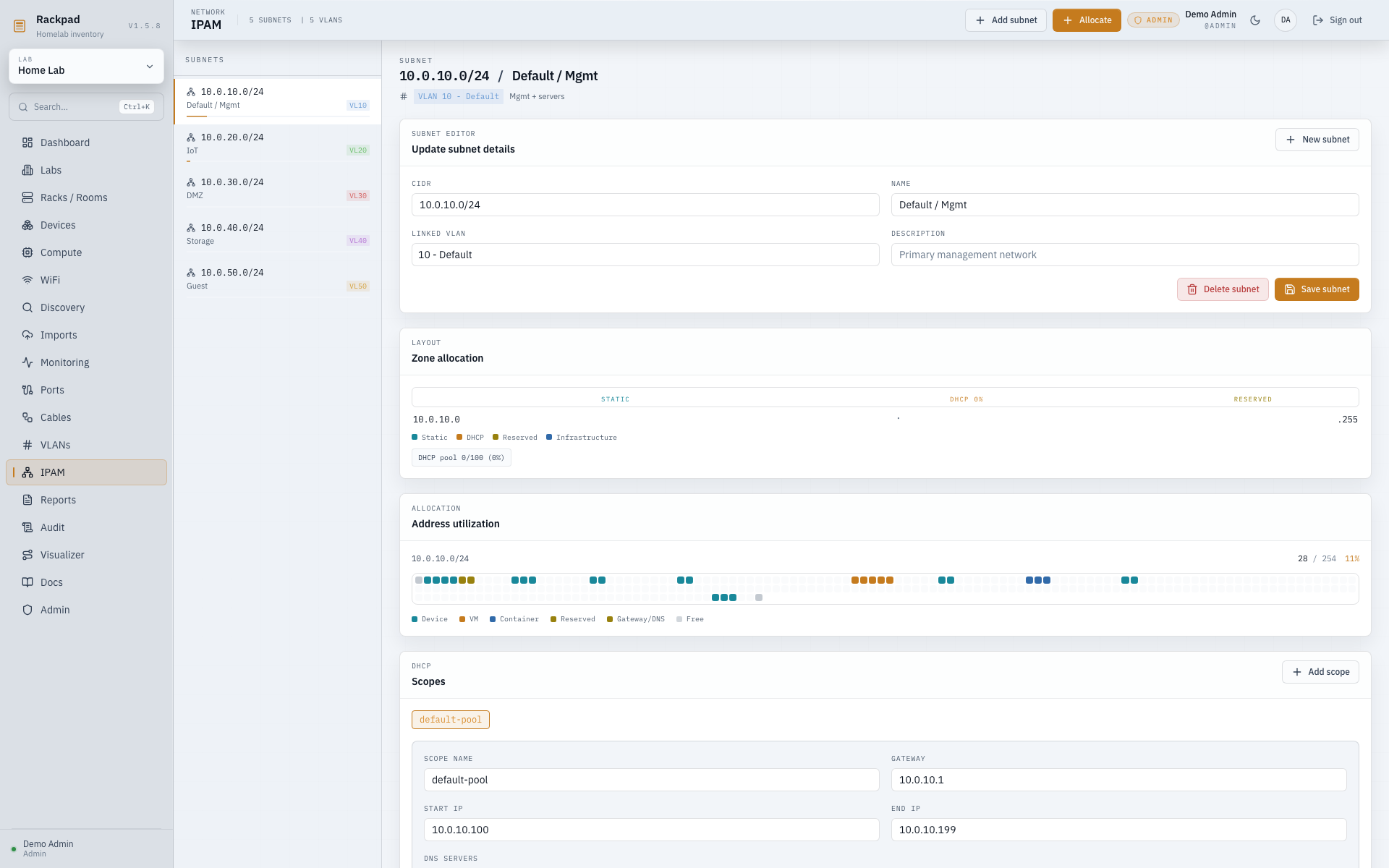
  • Subnets, scopes, reservations & zones
  • VLAN ranges with tagged / trunk context
  • Full WiFi inventory & roaming data
IPAM
Rackpad IPAM workspace with subnets, DHCP scopes and reservations
03 — Monitoring & operations

One dashboard for health, capacity and change.

Watch every device with ICMP, TCP, HTTP/HTTPS and SNMP v1/v2c/v3 checks, route alerts to email, Discord or Telegram, and let discovery scan a subnet and reconcile what it finds — all surfaced on a single operations dashboard.
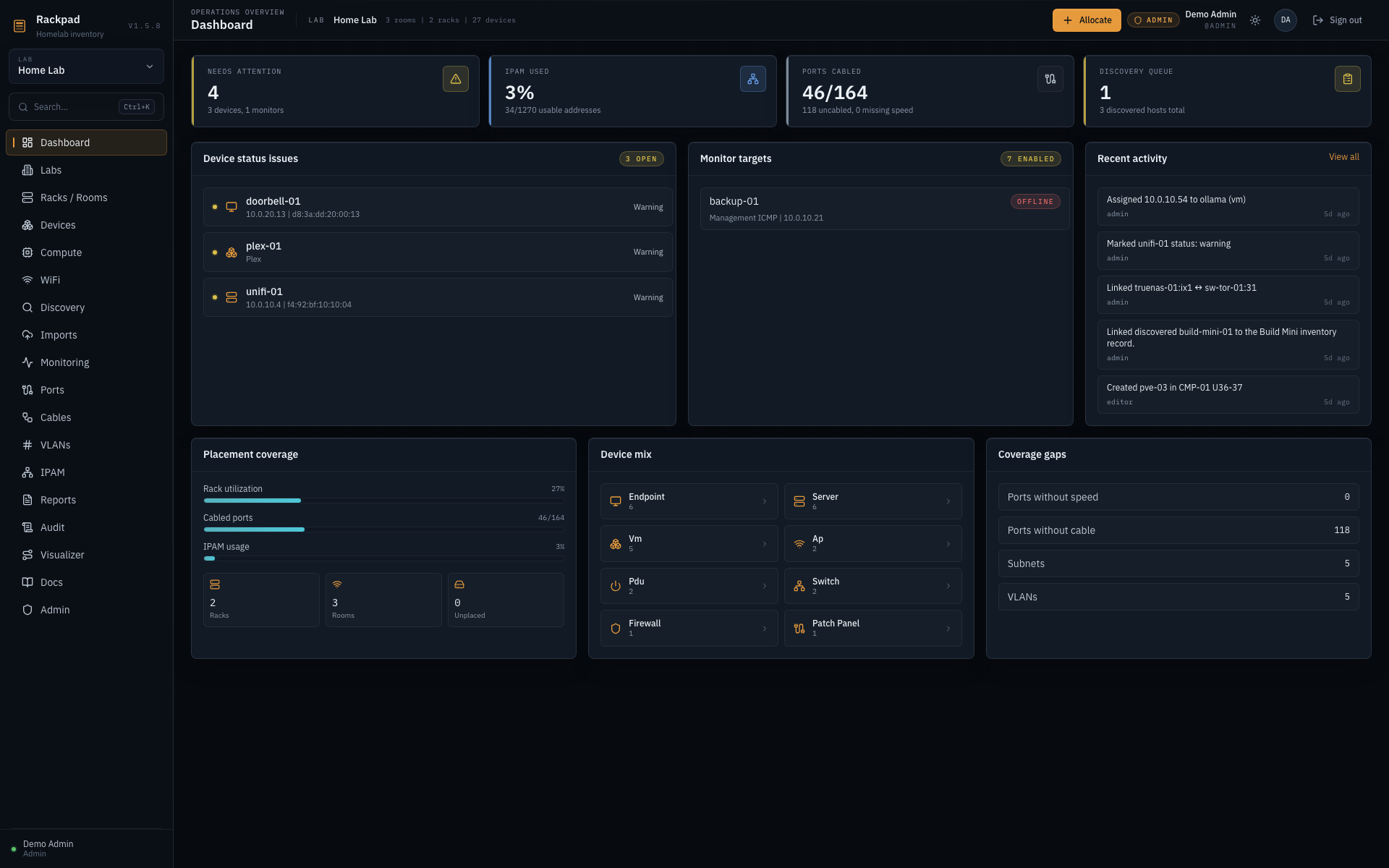
  • SNMP trap receiver with VLAN / subnet sync
  • Discovery inbox with import reconciliation
  • Reports to PDF, CSV & Excel
Dashboard
Rackpad operations dashboard with status issues, monitor targets and activity
04 — The Visualizer

Your whole environment as a living diagram.

A React Flow canvas that mirrors your real racks and rooms. Follow cable routes, overlay live health, trace a connection from a single port, reorder sections — then save the layout so it stays exactly how you left it.
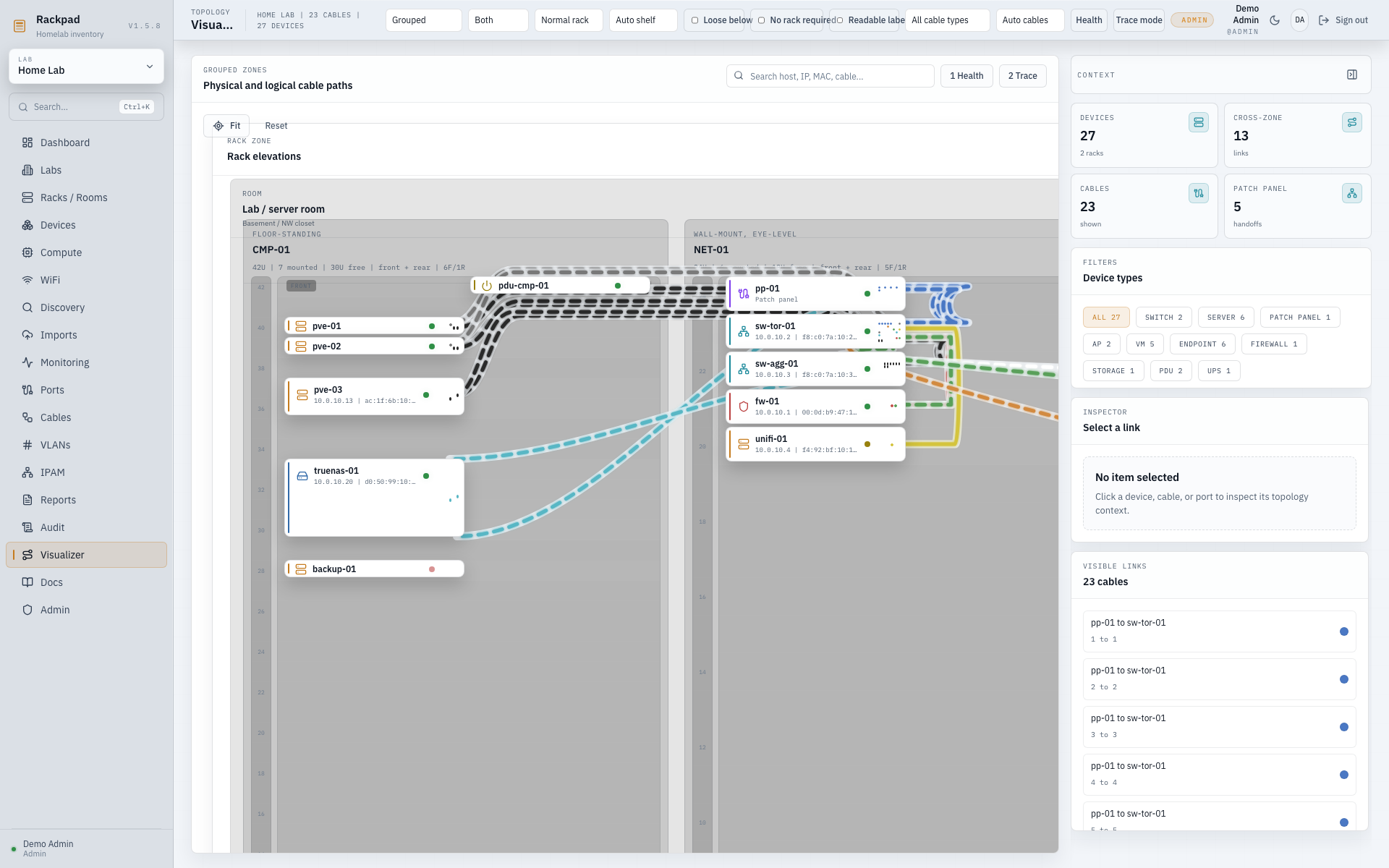
  • Grouped rack, pyramid & loose-device layouts
  • Health & trace overlays, side-panel port picker
  • Saved positions per diagram
Read the Visualizer guide
Visualizer
Rackpad Visualizer diagram mapping racks, devices and cable routes
The full list

Every workspace, at a glance.

Not a roadmap — these all ship in the current release.

Physical inventory

  • Labs, rooms, racks, shelves & placement modes
  • Dense elevations with switch-panel port mapping
  • Custom device types, icons, templates & parents
  • Typed cable CRUD with patch-panel links

Network & IPAM

  • VLAN ranges, allocation & trunk context
  • Subnets, DHCP scopes, reservations & zones
  • Multi-IP device & interface assignments
  • WiFi controllers, SSIDs, APs, radios & clients

Monitoring & alerts

  • ICMP, TCP, HTTP/HTTPS & SNMP v1/v2c/v3
  • Email, Discord & Telegram alerting
  • SNMP trap receiver with VLAN/subnet sync
  • Operations dashboard for health & capacity

Compute & imports

  • Virtualization hosts, VMs & virtual switches
  • Hyper-V & Proxmox import wizards
  • NetBox device-type & Docker/Portainer import
  • Discovery inbox with reconciliation

Visualize & document

  • React Flow topology: grouped, pyramid & diagram
  • Health & trace overlays, ordering, saved positions
  • Markdown docs workspace with inline images
  • Reports with PDF, Excel & CSV exports

Platform & security

  • React + Vite + Fastify on Node 22
  • SQLite via better-sqlite3, backup & restore
  • Session auth, admin/editor/viewer roles & OIDC
  • API rate limiting, SSRF-hardened imports, audit log

Ready to map your rack?

One command gets a full Rackpad running on your own box.